How to Transfer Your PF When You Change Jobs: What Happens Automatically Now and When You Still Need Form 13
EPF transfer when changing job: when EPFO moves it automatically, when to file the online Form 13 claim, and how to confirm it in your passbook.
Summarize this article with AI





The short version
- Since EPFO's move to its centralised CITES platform in July 2026, PF accounts under an Aadhaar-linked UAN are transferred automatically when you change jobs.
- Confirm the transfer in your passbook rather than assuming: transfer-out on the old member ID, transfer-in on the new one.
- If nothing moves, file the online transfer claim (digital Form 13) on the member portal; multiple UANs or exempted PF trusts may still need more steps.
- One UAN, Aadhaar seeding, matching details and a marked date of exit prevent most stuck transfers.
- Transferring keeps service continuous, which matters for tax on later withdrawals and for EPS.
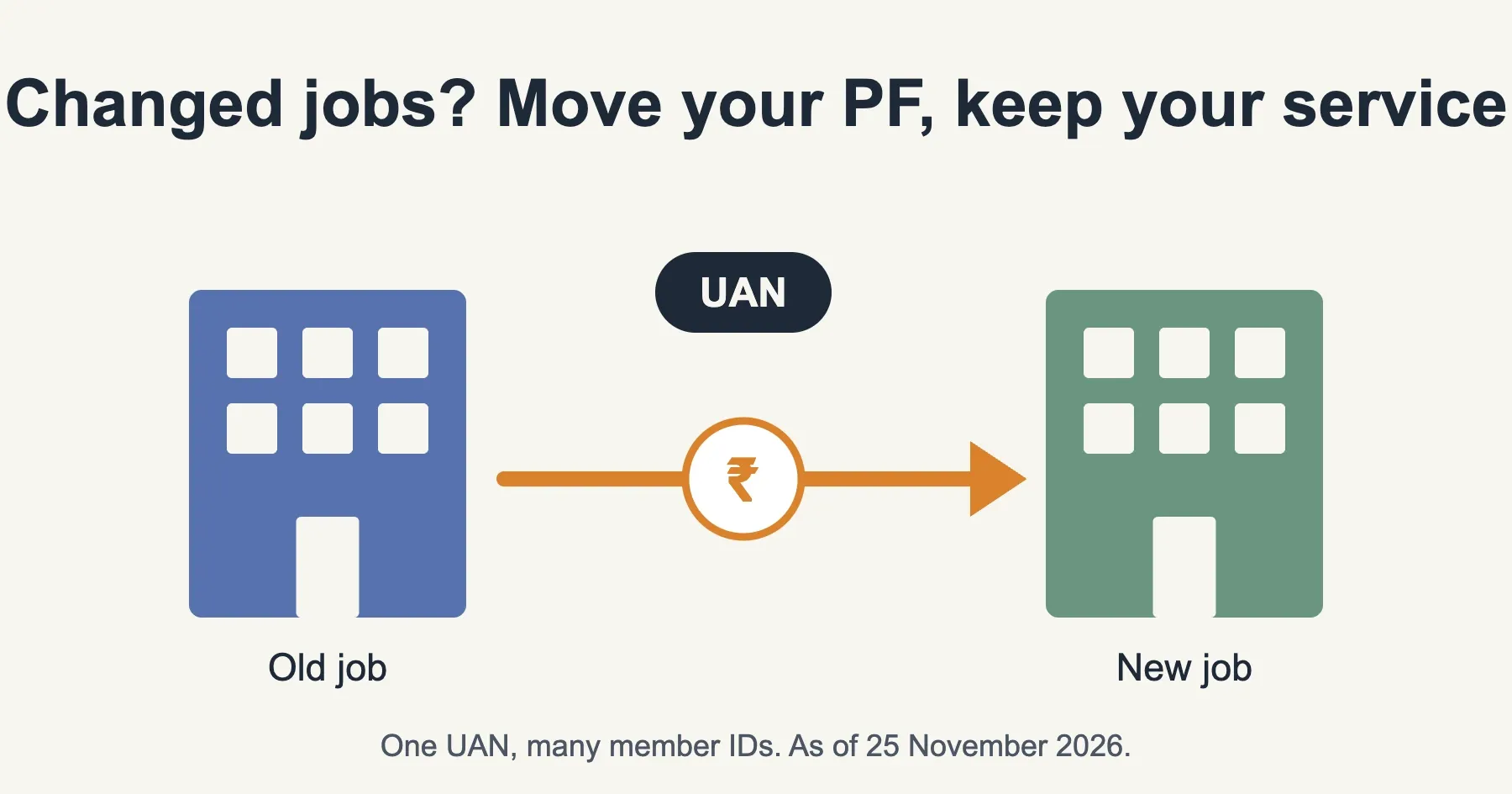
As of 25 November 2026, an EPF transfer when changing job often needs nothing from you. After EPFO moved its member records to a centralised platform (CITES) in July 2026, the Labour Minister announced that PF accounts under an Aadhaar-linked UAN are transferred automatically when you change jobs, with no separate application. Where that does not happen, you file one online transfer claim (the online Form 13) on the EPFO member portal, and it moves both your balance and your service history.
Arjun, 27, has moved from a Pune logistics firm to a Bengaluru software company. His new employer has linked a fresh member ID to his UAN, and his old account still shows a balance. Does he need to do anything, and how will he know it worked?
Before you start: four things to check
Most stuck transfers trace back to one of these. Check them on the EPFO member portal first (screens change; labels here are as at the time of writing).
- One UAN. A member ID is the account number for each job; the UAN (Universal Account Number) ties them together. Your new employer should link to your existing UAN, not create a second one.
- Aadhaar seeding and KYC. Link Aadhaar, bank account and mobile number. The automatic route depends on an Aadhaar-linked UAN, and EPFO said in April 2025 that UANs generated without Aadhaar stay frozen until Aadhaar is seeded.
- Matching details. Name, date of birth and gender should match across member IDs.
- Date of exit. Your old employer marks it. If it is blank against your old member ID, the transfer can stall, so ask the old HR team. The portal has also offered members a way to mark it themselves; confirm the current rule there first.
Our first job money checklist covers UAN activation alongside other week-one tasks.
Path A: the automatic transfer
On 8 July 2026, the Labour and Employment Minister announced that EPFO had completed the move to its Centralised IT Enabled Services (CITES) platform, and that member accounts under an Aadhaar-linked UAN would now be transferred automatically on a job change, without a separate transfer application. Reports since then say the transfer is triggered once your new employer deposits its first PF contribution for you.
EPFO's announcement refers to members who meet its prescribed conditions, so do not assume it has happened. Check your own records:
- your old member ID's passbook shows a transfer-out entry and its balance falls to zero, and
- your new member ID's passbook shows a matching transfer-in entry.
If a couple of months pass after your new employer's first contribution with no such entries, use Path B.
Path B: the online transfer claim (Form 13) step by step
The online transfer claim is the digital Form 13; no physical form is needed when it goes through online. At the time of writing:
- Log in to the EPFO member portal with your UAN and password.
- Open Online Services and choose One Member - One EPF Account (Transfer Request).
- Check the personal details and the member ID of your current employment.
- Select the previous member ID you want to move.
- Where the portal asks you to choose an employer for attestation, choose the previous or present employer. If your case qualifies for direct processing, the claim goes to EPFO without an employer step.
- Get an OTP on your Aadhaar-linked mobile and submit.
As reported in 2025, only one transfer request can be made against a previous PF account, and cases such as multiple UANs or exempted establishments (employers running their own PF trust) may still need the offline Form 13.
How the approvals were removed: EPFO's changes since 2025
| Change | What it did | Source |
|---|---|---|
| January 2025: employer routing removed | The requirement to route online transfer claims through either the previous or current employer was removed in most cases; EPFO expected over 1.20 crore of 1.30 crore claims (94%) to go directly to it | PIB, 19 January 2025 |
| April 2025: revamped Form 13 software | Approval of transfer claims at the destination EPF office was removed; once the source office approves, the previous account transfers to the present one. Taxable and non-taxable parts of the balance are split for TDS | PIB, 25 April 2025 |
| July 2026: CITES platform | Accounts under an Aadhaar-linked UAN transfer automatically on a job change, without a separate application | Labour Minister's announcement, 8 July 2026 |
As reported in January 2025, the no-employer route covers member IDs under the same Aadhaar-linked UAN issued on or after 1 October 2017, and older UANs where name, date of birth and gender match. Outside those conditions, an employer may still need to attest.
How to track status and read the passbook after transfer
Claim status. The claim status option on the member portal shows whether a claim is pending, settled or rejected, with a reason. Rejections often trace back to the checklist above.
Passbook. Open the passbook for both member IDs and read three lines: employee share, employer share and pension (EPS) contribution.
Worked example: Arjun's passbook (hypothetical)
Hypothetical figures, for illustration only: Arjun's old member ID holds ₹2,36,000 after 26 months of service, made up of ₹1,31,000 as employee share and ₹1,05,000 as employer share (balances as credited, no interest projected). Assume ₹1,250 a month went to EPS, which is ₹32,500 over 26 months.
| Passbook line | Old member ID, before | Old member ID, after | New member ID, after |
|---|---|---|---|
| Employee share | ₹1,31,000 | ₹0 (transfer out) | ₹1,31,000 (transfer in) plus new contributions |
| Employer share | ₹1,05,000 | ₹0 (transfer out) | ₹1,05,000 (transfer in) plus new contributions |
| EPF total | ₹2,36,000 | ₹0 | ₹2,36,000 plus new contributions |
| EPS contributions recorded | ₹32,500 | moved with service details | ₹32,500 carried, plus new contributions |
| Service counted | 26 months | carried forward | 26 + 4 = 30 months after 4 months in the new job |
The last row matters most: the 26 months in Pune now count with the Bengaluru months as one continuous service record. Real passbook labels may differ.
Transferring vs withdrawing when you switch jobs: what changes
This is about mechanics, not a recommendation. On a job change you can usually transfer the old balance or, subject to conditions, withdraw it:
- Service continuity. A transfer keeps earlier months on your record; a full withdrawal ends it.
- Tax. Under the Income-tax Act, 2025 (Schedule XI), an EPF withdrawal before five years of continuous service can be taxable, and service with an earlier employer generally counts towards those five years when the balance was transferred. The revamped transfer system also tracks taxable and non-taxable portions for TDS. Details and exceptions are in our EPF withdrawal rules 2026 guide.
- Pension (EPS). Monthly pension eligibility depends on years of eligible service, so carried-forward months can count.
- Compounding. EPFO has said transferring instead of withdrawing keeps the benefit of compounding.
To see how much of your salary goes into PF each month, read CTC vs in-hand salary.
Two UANs? What to do
This usually happens when a new employer generated a fresh UAN. As reported in January 2025, transfers between member IDs under different UANs linked to the same Aadhaar can go through without the employer. Otherwise, tell your current HR, try the online transfer request, use the offline Form 13 if the portal blocks it, and if still stuck raise an EPFO grievance quoting both UANs.
Frequently asked questions
Is PF transfer automatic when I change jobs?
For Aadhaar-linked UANs, yes in most cases: the Labour Minister announced on 8 July 2026 that such accounts move automatically after EPFO's shift to its CITES platform, without a separate application. Reports say it starts once the new employer deposits the first contribution. Check your passbook; if no transfer entries appear, file a transfer request yourself.
How do I transfer PF online with UAN?
Log in to the EPFO member portal, open the transfer request option (One Member - One EPF Account at the time of writing), select your previous member ID, pick an attesting employer if asked, and submit with an Aadhaar OTP. Screens change, so follow the labels on the day.
Does my old employer need to approve the PF transfer?
In most cases, no. Since January 2025, online transfer claims meeting the UAN and Aadhaar conditions skip the employer, and the revamped Form 13 removed destination-office approval. Your old employer still marks your date of exit.
How do I check if my PF transfer is complete?
Check claim status on the member portal, then both passbooks. A finished transfer shows a transfer-out on the old ID, a matching transfer-in on the new one, and the old balance at zero.
Should I withdraw or transfer PF when changing jobs?
This guide does not recommend either. Factually, a transfer keeps service continuous, which matters for the five-year tax test on EPF withdrawals and for EPS pension eligibility; a withdrawal ends that record.
Save this checklist
One UAN, Aadhaar seeded, details matching, date of exit marked. Save this page for your next job change.